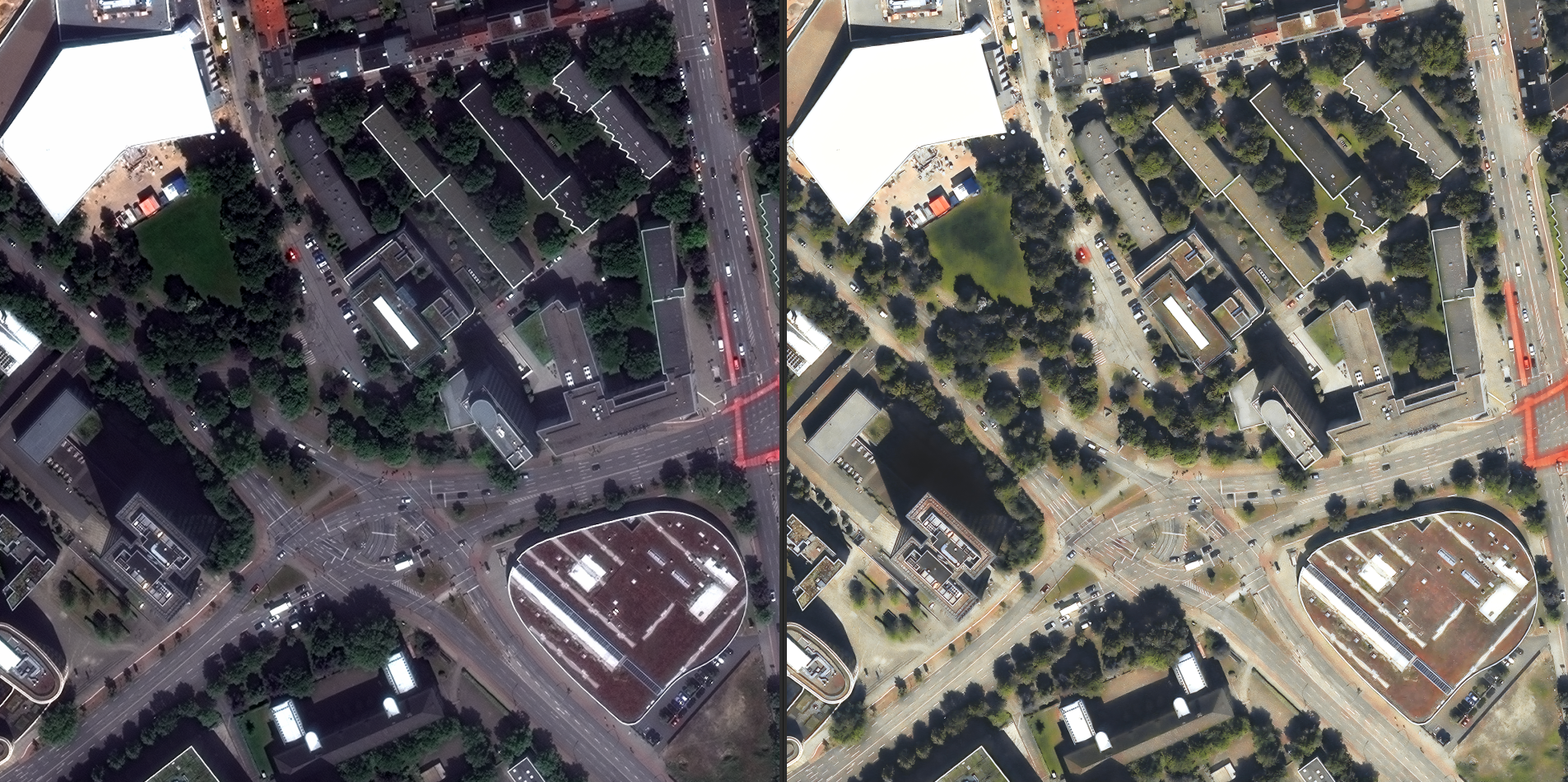
Monitoring an area for change is one of the most common things our customers do. Here's the gist.
1. Define your AOI
Provide a polygon or bounding box and a coordinate reference system (e.g. EPSG:4326).
2. Choose a mode and cadence
Pick monitor mode with a cadence (say, every 14 days). TwinSphere tasks new captures or
pulls suitable archive imagery automatically.
3. Receive notifications
Our change-detection models compare each new capture to the baseline and flag new construction, demolition, encroachment or disaster damage — with an explainable evidence layer you can audit.
See the tasking API in the docs for the full request schema.